
IPTV Setup Guides for Every Device
Pick your device, choose an app, and follow the steps. Most setups take under three minutes — and the same StreamHut login works on every device you own.
Before you start: your StreamHut login details
Sign in at my.streamhut.tv and open “Subscriptions”, or check your activation email. Tap any value to copy it.
Open my credentialsChoose your device
Amazon Firestick / Fire TV
Fire TV Stick, Fire TV Cube and Fire TV — install a player with the Downloader app, then sign in.
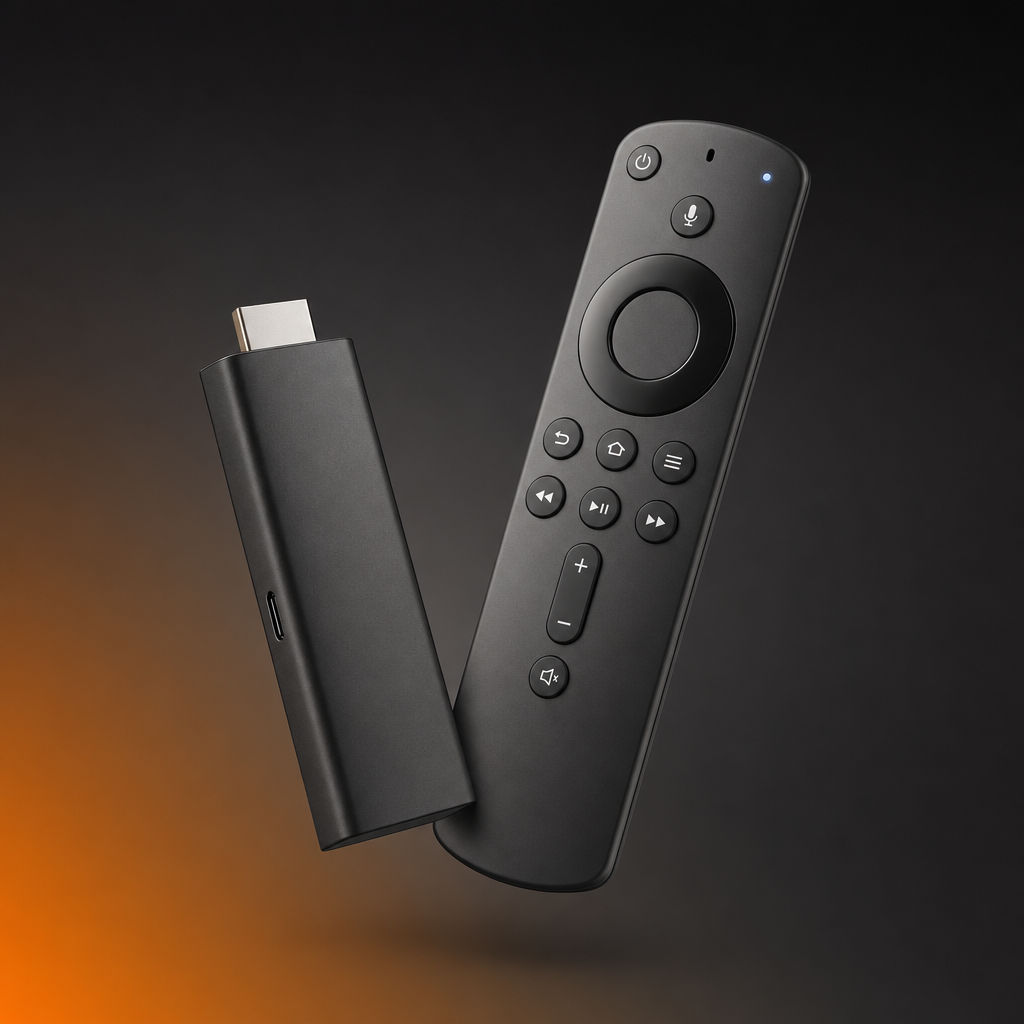
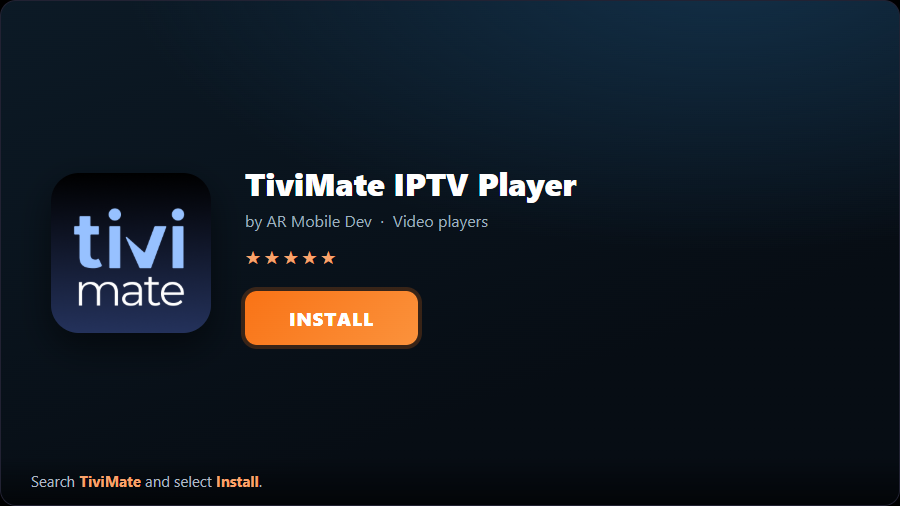
- 1Install TiviMateOpen the Downloader app and, in the address bar, enter the official TiviMate download page and install the latest APK. (On Android TV / Google TV boxes you can simply install TiviMate from the Google Play Store.)
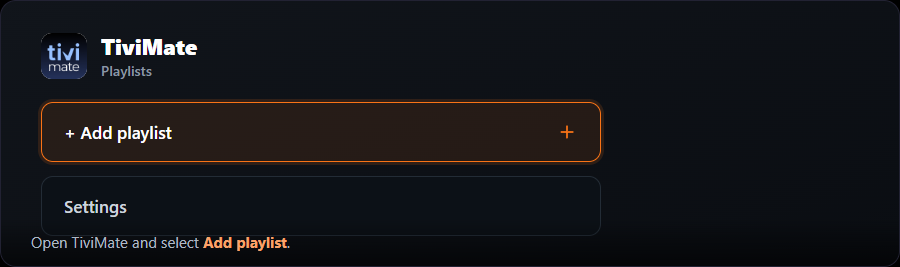
- 2Add a playlistOpen TiviMate and select “Add playlist”.
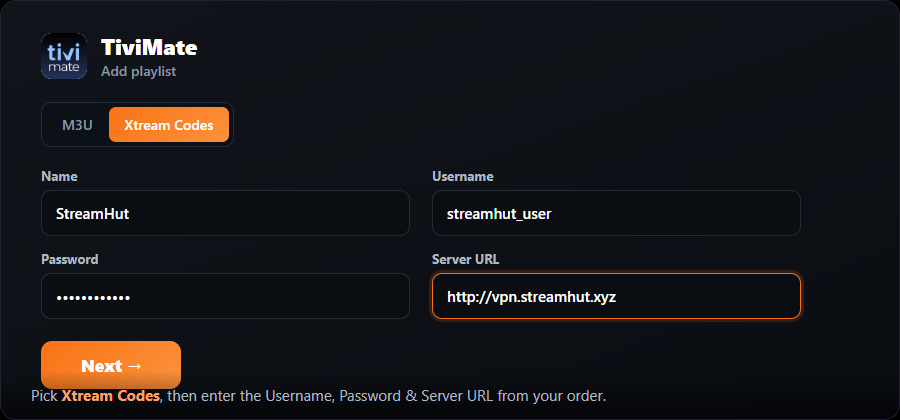
- 3Choose Xtream CodesPick “Xtream Codes”, give it a name like “StreamHut”, then enter your Username, Password and Server URL from your StreamHut order.
- 4Let it loadTiviMate processes your channels and the TV guide (EPG) loads automatically. Select Next / Done.
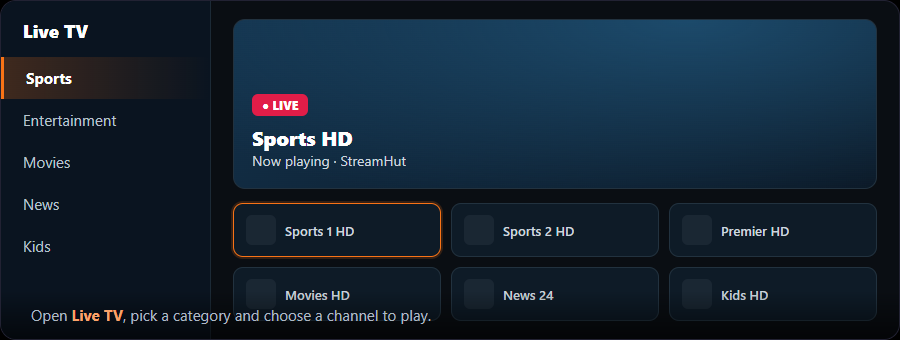
- 5Start watchingOpen the channel list, pick a category and choose a channel to play.
TiviMate playback is free. The one-time Premium unlock adds recording, multiple playlists and the on-screen guide — handy but not required.
Android & Google TV
Phones, tablets, Android TV and Google TV boxes — the quickest setup of all, straight from the Play Store.
Samsung & LG Smart TV
Samsung (Tizen) and LG (webOS) — install straight from the TV’s own app store, no extra box needed.
Apple — iPhone, iPad, Apple TV & Mac
iPhone, iPad, Apple TV and Mac — install from the App Store and sign in with your Xtream login.
Windows PC
Windows 10 and 11 — from a full-featured player to a quick test in VLC.
Formuler
Formuler Z, CC and GTV boxes — use the built-in MYTVOnline app, or any player you like.
BuzzTV
BuzzTV set-top boxes — portal-based setup with the built-in player, or any app via Xtream.
Roku
Roku stick, box and Roku TV — use IBO Player Pro, or cast from your phone.
Frequently asked questions
Each guide above marks one Recommended app for your device: TiviMate on Firestick, Android phones and Android TV boxes; IBO Player Pro on Smart TVs, Apple devices and Roku; MyIPTV Player on Windows; and the built-in portal setup on Formuler and BuzzTV. Start with that one — anything else on the card is an alternative.
Don't have StreamHut yet?
Subscribe in a couple of minutes — instant activation, no auto-renew — and get access on any device on this page.